
Features
Everything that goes into proof of work.
AslTime pairs an Electron desktop tracker for macOS and Windows with a web dashboard for managers. Below is a factual walkthrough of what each part does.
01 · Time tracking
A timer that never quietly loses time.
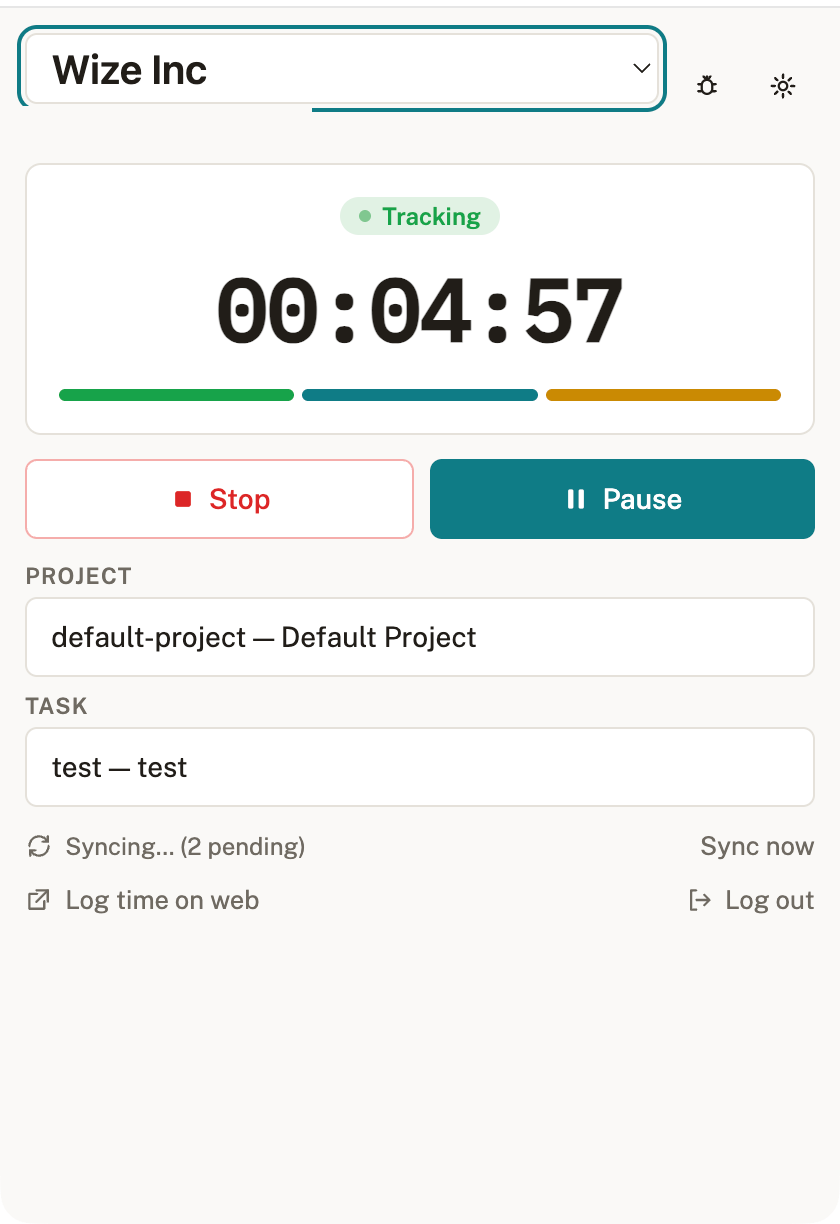
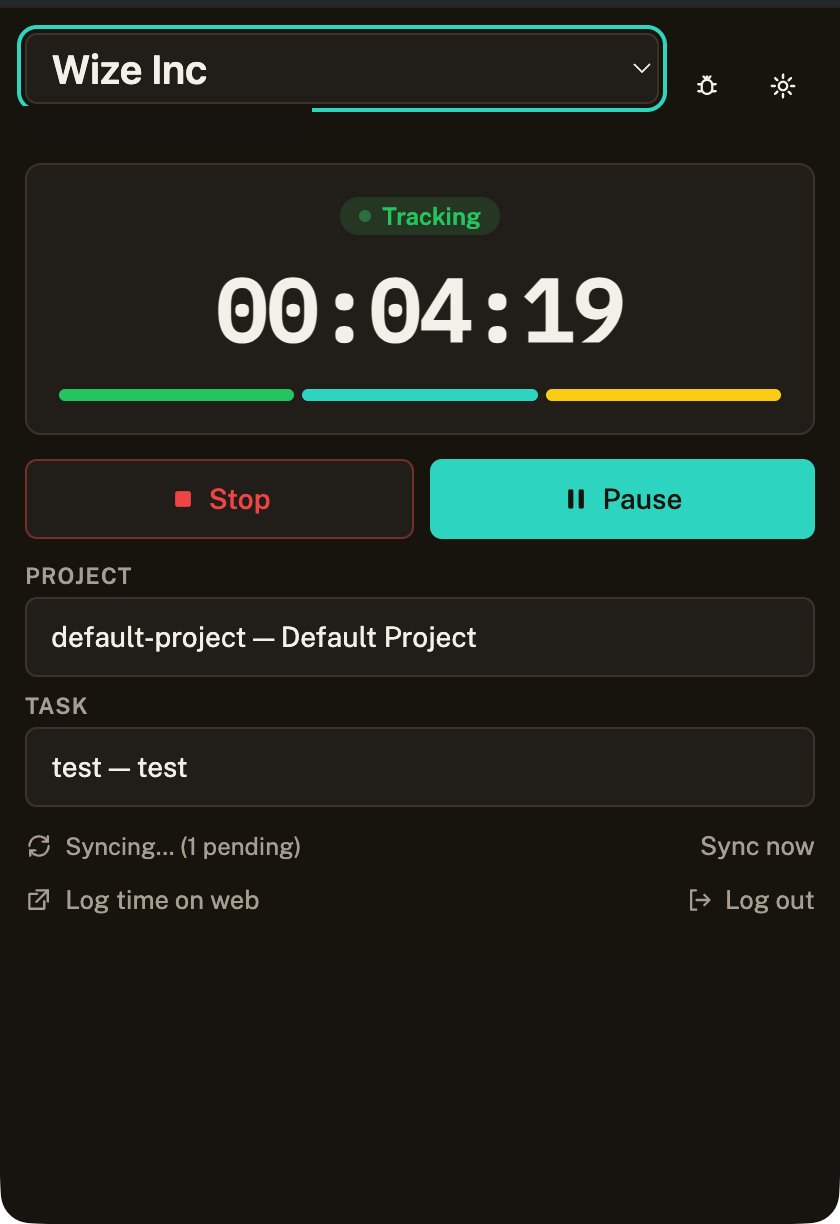
The desktop app tracks time against an organization, project, and task. Users start, stop, pause, and resume a timer. AslTime deterministically classifies every interval as Active, Idle, Paused, Manual, Offline, Unverified, or Interrupted — using a fixed rule set, not AI or probabilistic scoring. Time worked while the API is unreachable is queued locally and synced later with idempotency, and is clearly marked as offline in reports.
02 · Screenshots
Proof, captured only while the timer runs.
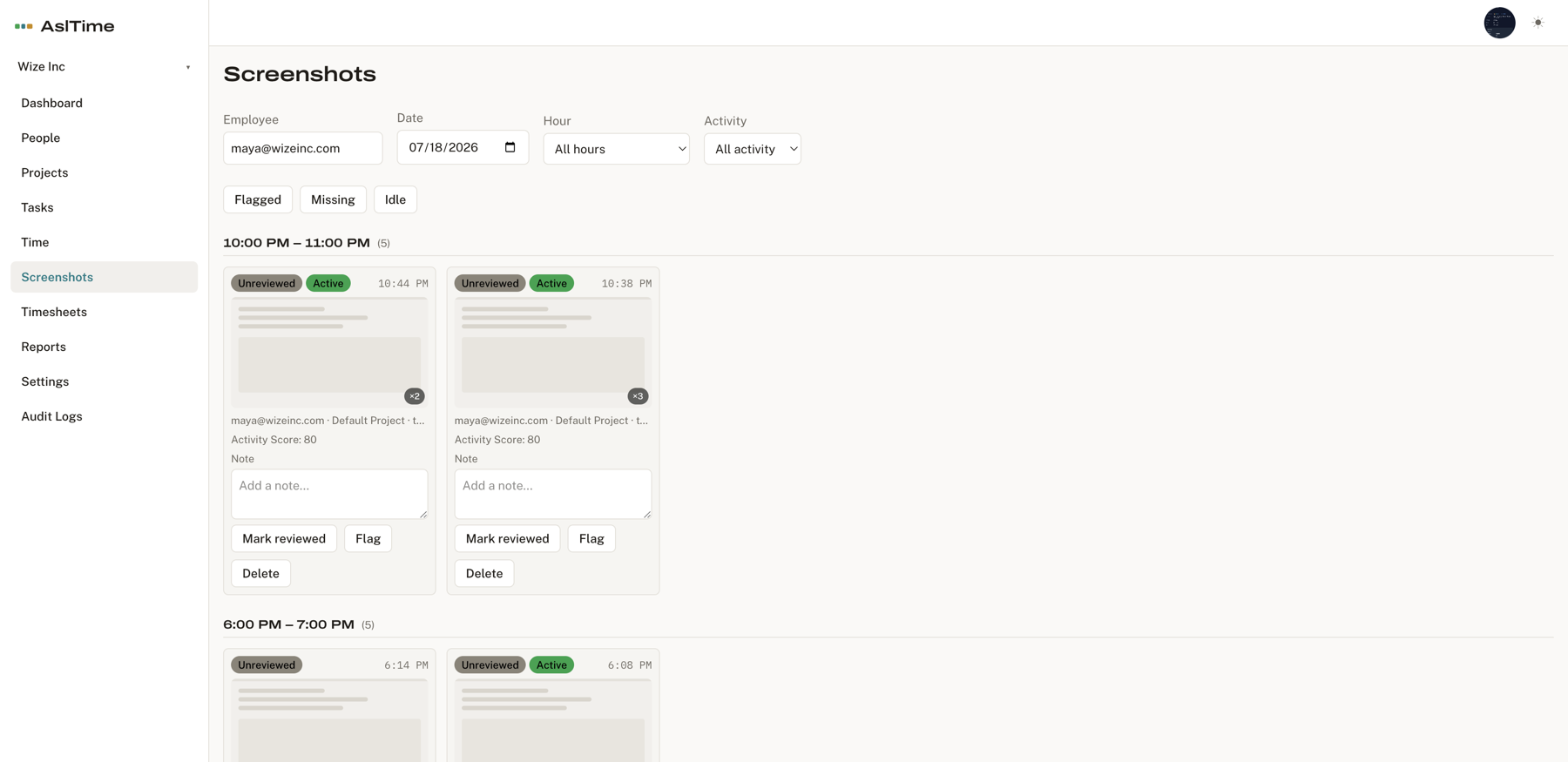
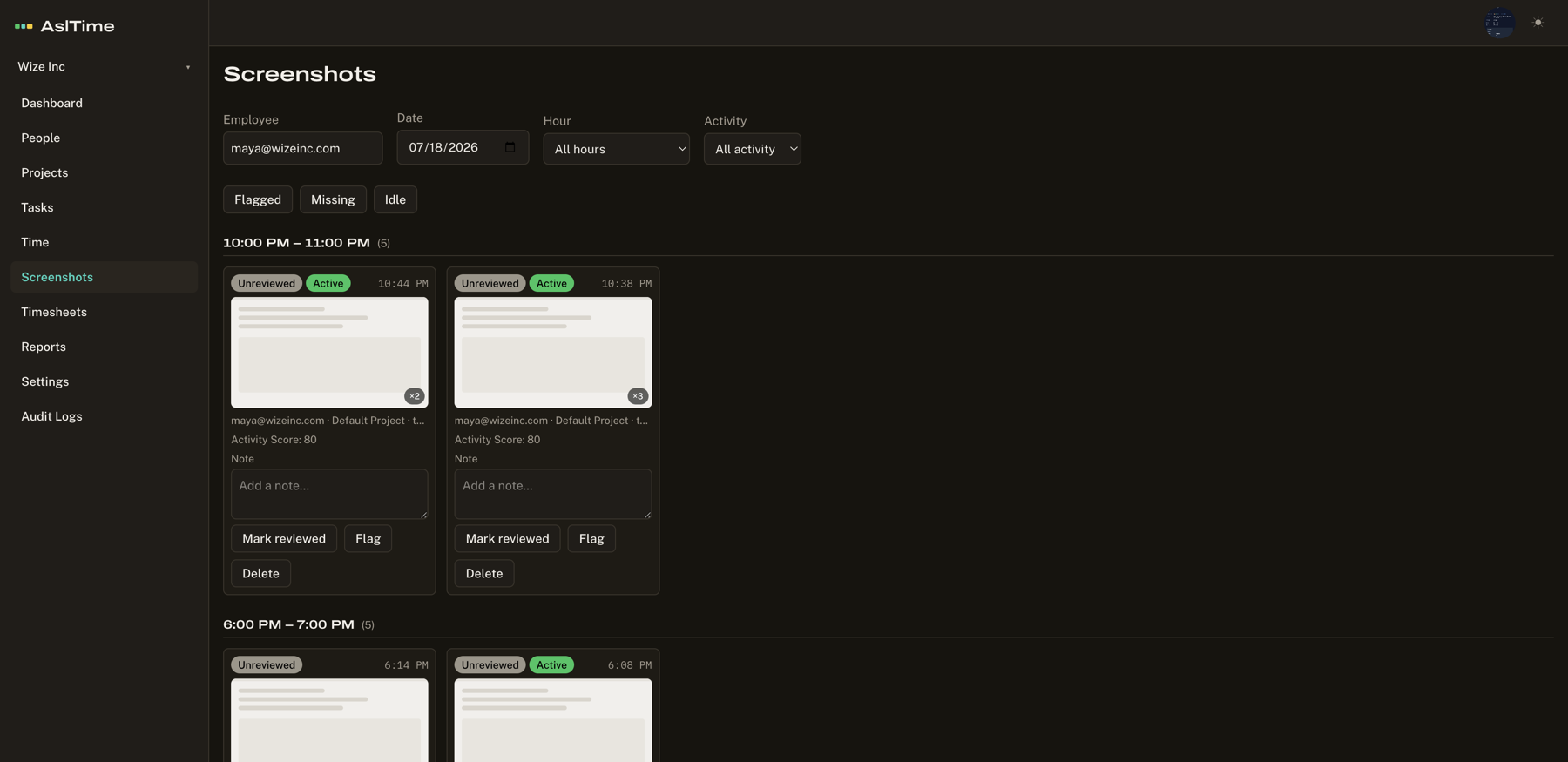
When an organization enables screenshots, the desktop app captures them at a configured interval — and only while the timer is running. There is no screen capture when the timer is off and none without OS permission. Access is role-based, every screenshot view is written to an audit log, and organizations set a retention period after which screenshots are automatically deleted. Employees can see when screenshots are taken, who can view them, and how long they are kept.
03 · Timesheets & approvals
Managers approve; nothing is silently accepted.
Employees submit timesheets for a period; managers approve, reject, or request a correction. Manual time entries — time a user adds by hand — are always visibly marked, carry a reason, and can require approval. Idle time is never treated as fraud by default: organization policy decides whether it is payable, reviewable, or excluded.
04 · Activity Score
A neutral score, not a productivity verdict.
AslTime reports a neutral Activity Score derived deterministically from active versus idle time. It measures activity signals only; it does not attempt to judge work quality, business value, or a person's productivity. There is no keystroke logging, mouse tracking, or URL tracking behind it. It is deliberately called an Activity Score, never a "productivity score."
68% active · 20% idle · 12% active
05 · Reports & exports
Auditable numbers, not opaque totals.
Managers get daily, weekly, and per-project time reports plus activity summaries. Large report ranges run as export jobs and download as CSV, ready for payroll or client invoicing. Offline, manual, idle, and unverified time are distinguished so numbers are auditable rather than opaque.

06 · Multiple organizations
Tenant-scoped by design.
A single AslTime account can belong to many organizations with different roles in each. Users join through invite links or codes — no email gatekeeping required in the current release. Every record is tenant-scoped to its organization, and sensitive actions are audit-logged.
07 · Desktop + web
The tray app and the dashboard, built to match.
The desktop tracker runs on macOS and Windows, minimizes to the tray, shows current timer state, today's total, sync status, and the last and next screenshot times. The web dashboard is mobile-first and fully responsive, so managers can review and approve time and screenshots from a phone browser.