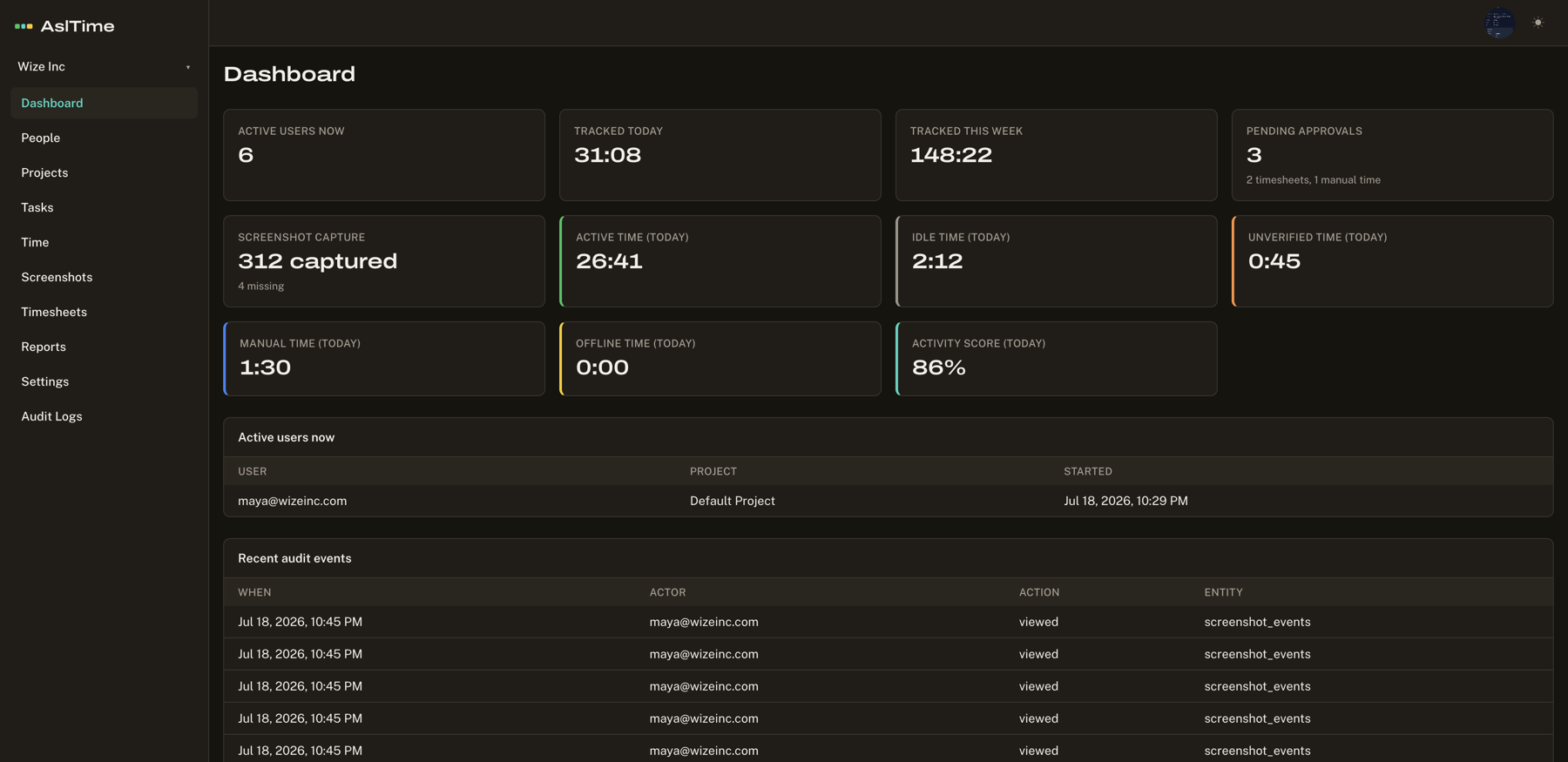
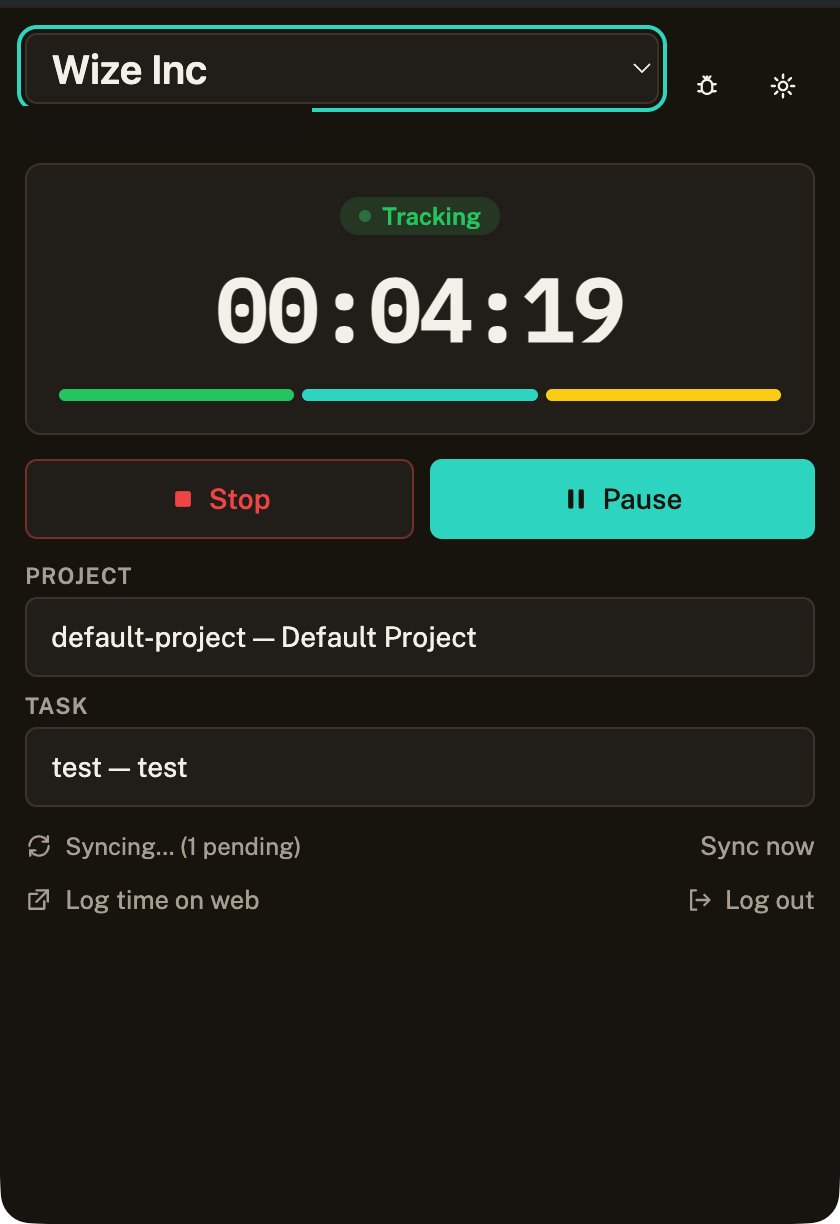
Time tracking
Start, stop, pause, and resume a timer against organizations, projects, and tasks. Idle and offline time are recorded and labeled, never silently dropped.
Time, verified
Time tracking and work verification for remote teams — screenshots only while the timer runs, a neutral Activity Score, and nothing your team can't see themselves.
14-day trial · No card · macOS + Windows + Web
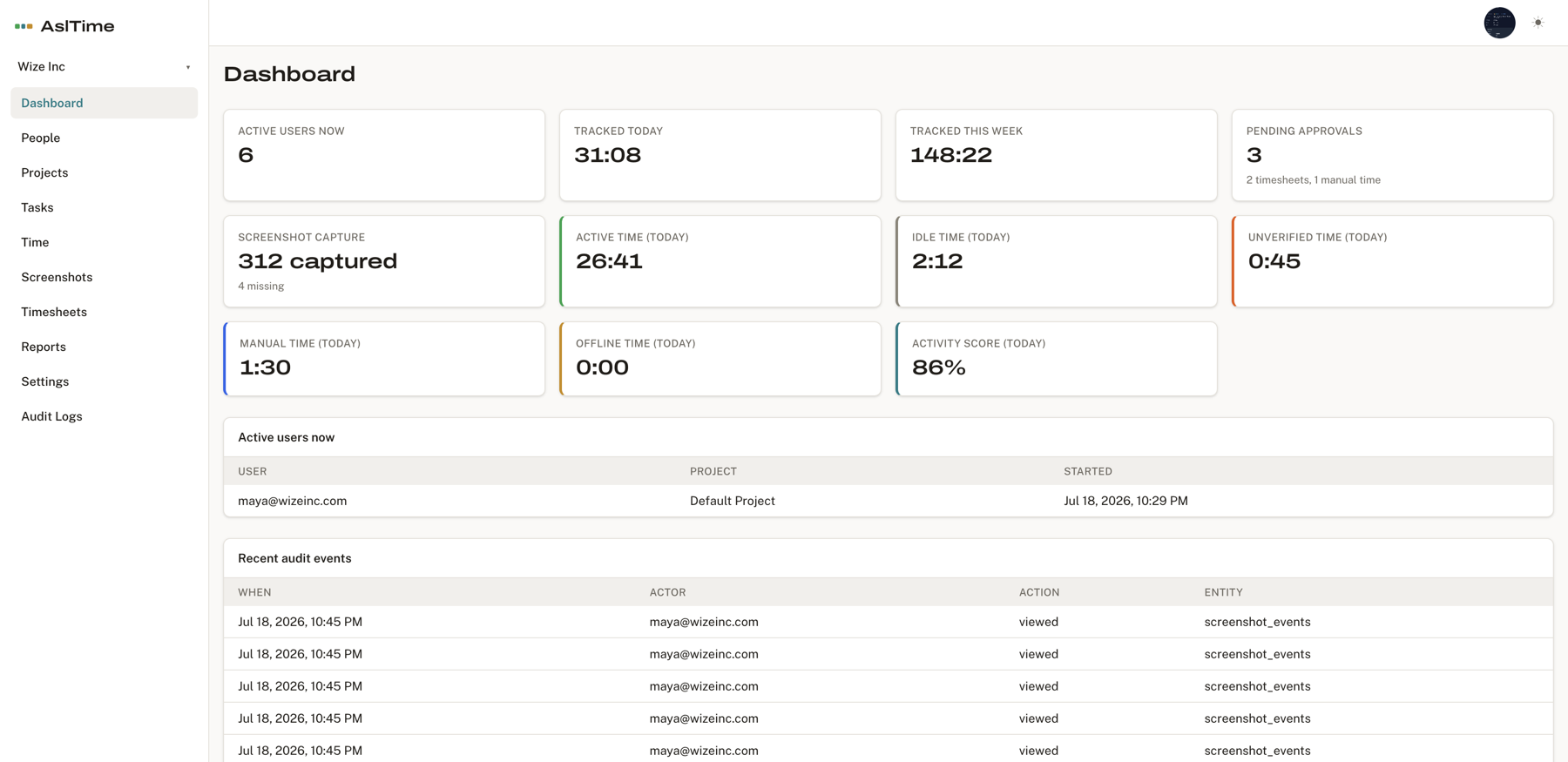
One day of verified work. This is all AslTime records.
The things most trackers do quietly, AslTime simply does not do.
These aren't settings you toggle. They were never built. Read the privacy policy.
Dashboard
How it works
01
The desktop timer runs against a project and task, with a visible tracking indicator at all times.
02
Optional screenshots and a neutral Activity Score — captured only while the timer runs.
03
Timesheets go to managers for approval, then export to CSV for payroll or billing.
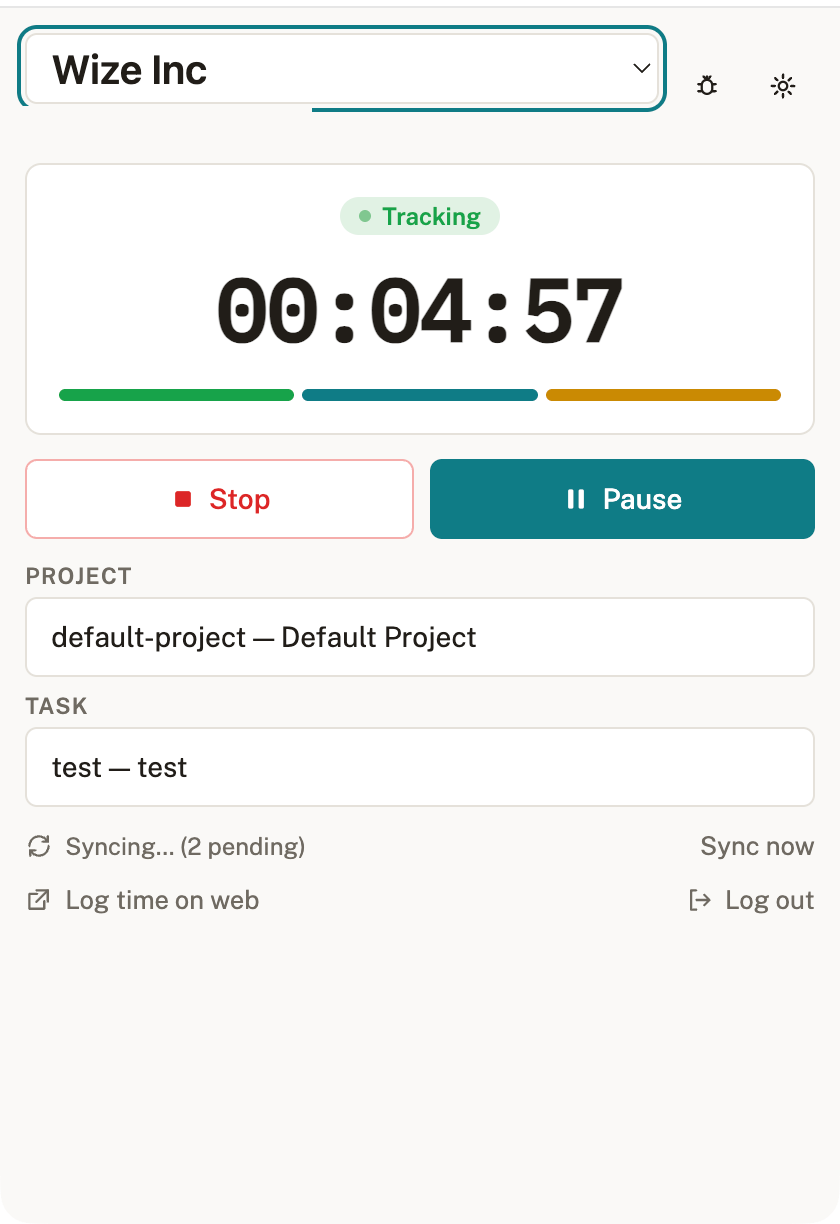
Start, stop, pause, and resume a timer against organizations, projects, and tasks. Idle and offline time are recorded and labeled, never silently dropped.
Optional screenshots captured at an organization-configured interval — only while the timer runs — with role-based access and audited viewing.
Employees submit timesheets; managers approve, reject, or request a correction. Manual entries are visibly marked and can require approval.
A deterministic, neutral Activity Score based on active vs. idle time — no AI guesswork, no keystroke or mouse logging, no productivity judgment.
Daily, weekly, and project time reports plus activity summaries, with CSV export for payroll and client billing.
One account can belong to many organizations with distinct roles. Every action is tenant-scoped, switching context takes one click.
Every tracked person sees what's collected, who can view it, and how long it's kept before they start a timer.
The app always shows when the timer — and screenshot capture — is running. No stealth mode exists.
Screenshot and activity retention is configured by the organization and shown to the person being tracked.